






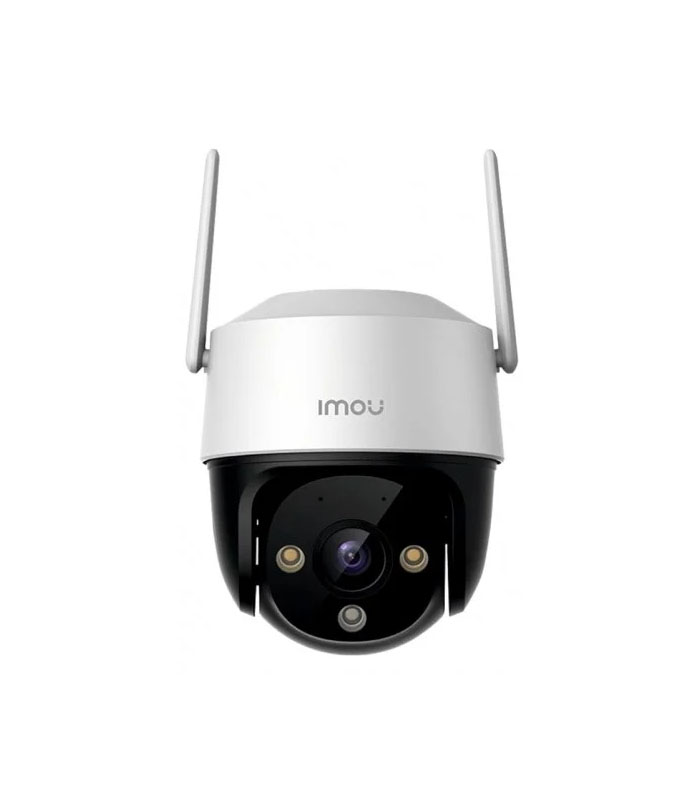
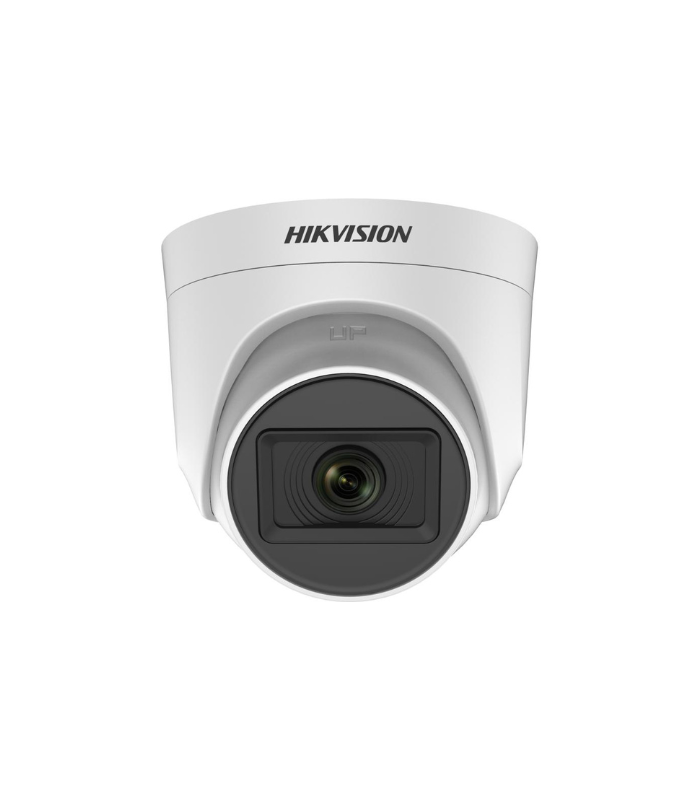
 CCTV Camera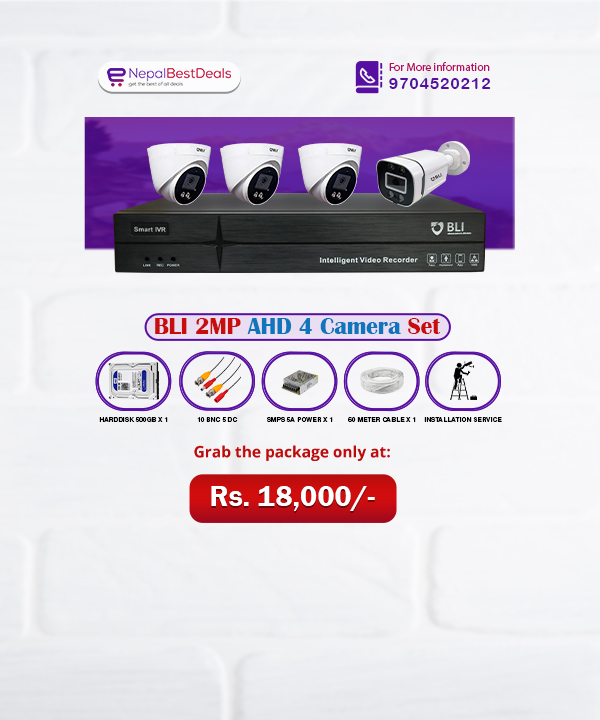
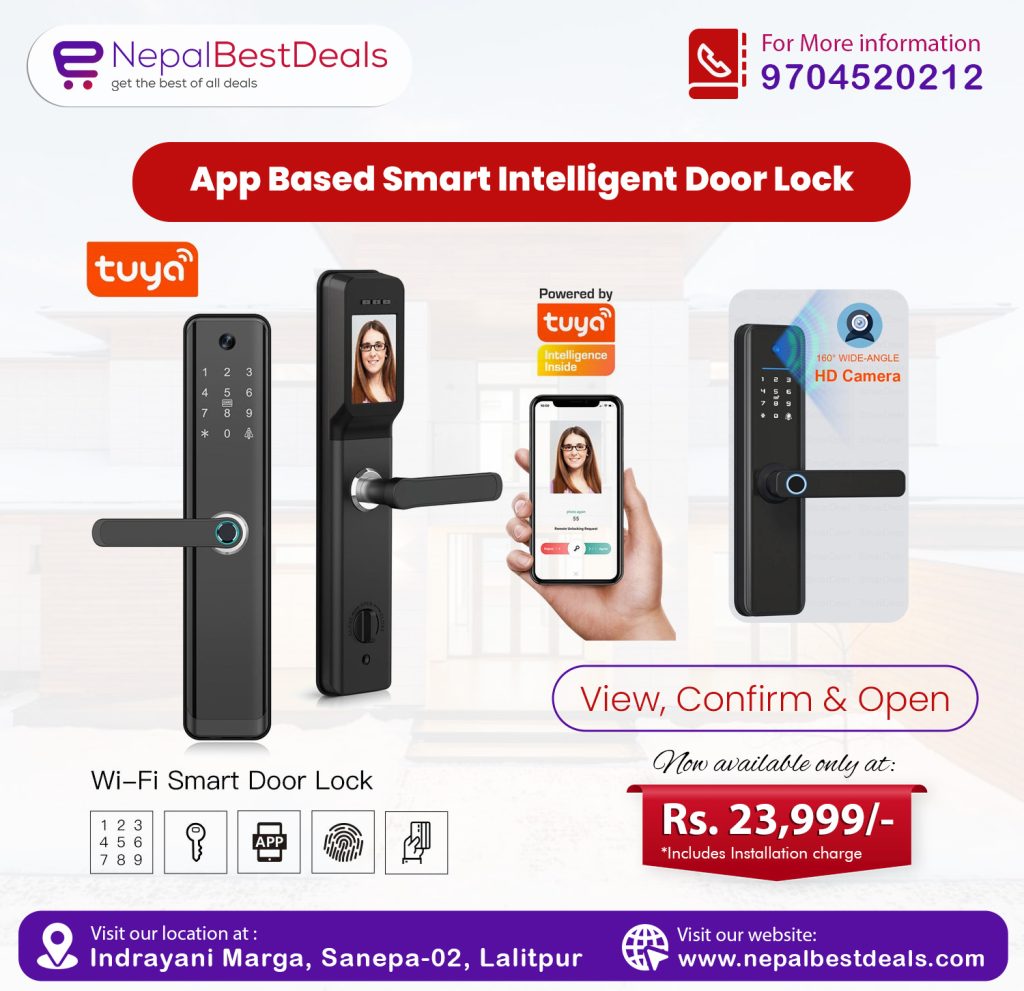
 Smart Door Lock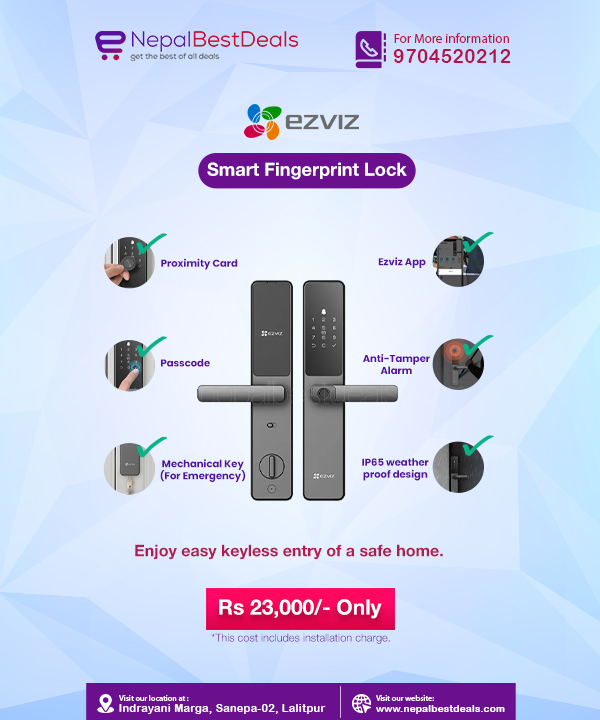
 GPS Tracker
 Network Switches
Hikvision IP Video Intercom Kit

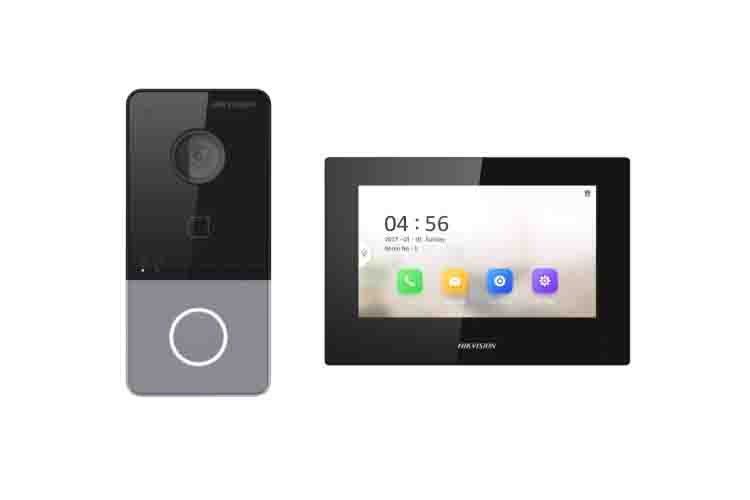
The Hikvision IP Video Intercom Kit (Model DS-KIS605-P) sets a higher bar for residential security in the era where remote management and high-definition clearly define modern living. While analog systems offer basic functionality, this IP-based bundle introduces a world of smartphone integration surveillance that transforms how you interact with your front door.
Whether you simply want a record of every visitor in 1080p or to answer your door from a different city, the DS-KIS605-P offers the tools to do so. This guide explores the Hikvision IP Video Intercom Kit price, technical capabilities, and the specific steps required for a successful Hikvision IP video intercom setup.
Unboxing the DS-KIS605-P Kit
This kit is called the Network Bundle, meaning it contains everything you need to establish an IP communication link at your entrance.
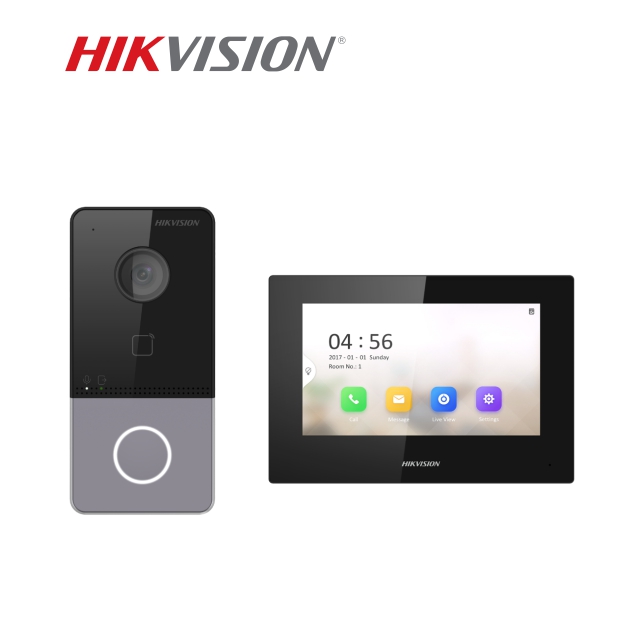
When you open the box, you will find:
- DS-KV6113-WPE1 Villa Door Station: A 2 MP camera unit with a built-in card reader and a single call button.
- DS-KH6320-WTE1 Indoor Station: A 7-inch capacitive touch screen that acts as the brain of the system.
- Power Supplies & Brackets: Standard PoE support means you can power these units through a single network cable, though the kit often includes individual power adapters as well.
The Hikvision IP video Intercom Door Station is a security camera with a 129° horizontal field of view and True WDR (Wide Dynamic Range), it captures clear images even when sunlight shines directly behind your visitor.
Analyzing the Hikvision IP Video Intercom Kit Price
The added features justify the investment as transitioning to an IP system usually involves a higher upfront cost than analog.
- In India: You can typically find the Hikvision IP Video Intercom Kit price ranging from ₹12,500 to ₹15,000.
- In Nepal: Due to import logistics, the price usually sits between NPR 19,000 and NPR 22,000.
- International Markets: Generally, this kit retails for approximately $140 to $170 USD.
You are gaining a system that replaces a doorbell, a security camera and a remote access controller that makes it higher than a basic analog unit. The ability to receive calls on your phone via the Hik-Connect app adds a level of convenience that analog systems simply cannot match.
Preparing for the Hikvision IP Video Intercom Setup
The Hikvision IP Video intercom setup uses standard RJ45 Ethernet cables and relies on a stable network.
Infrastructure Requirements for the Kit
While the kit supports 2.4 GHz Wi-Fi, a wired connection via PoE (Power over Ethernet) provides much better stability. For best results, use Cat6 copper cables. If you use a PoE switch, you eliminate the need for power outlets near your door or monitor, as the network cable carries both data and electricity.
Hardware Mounting
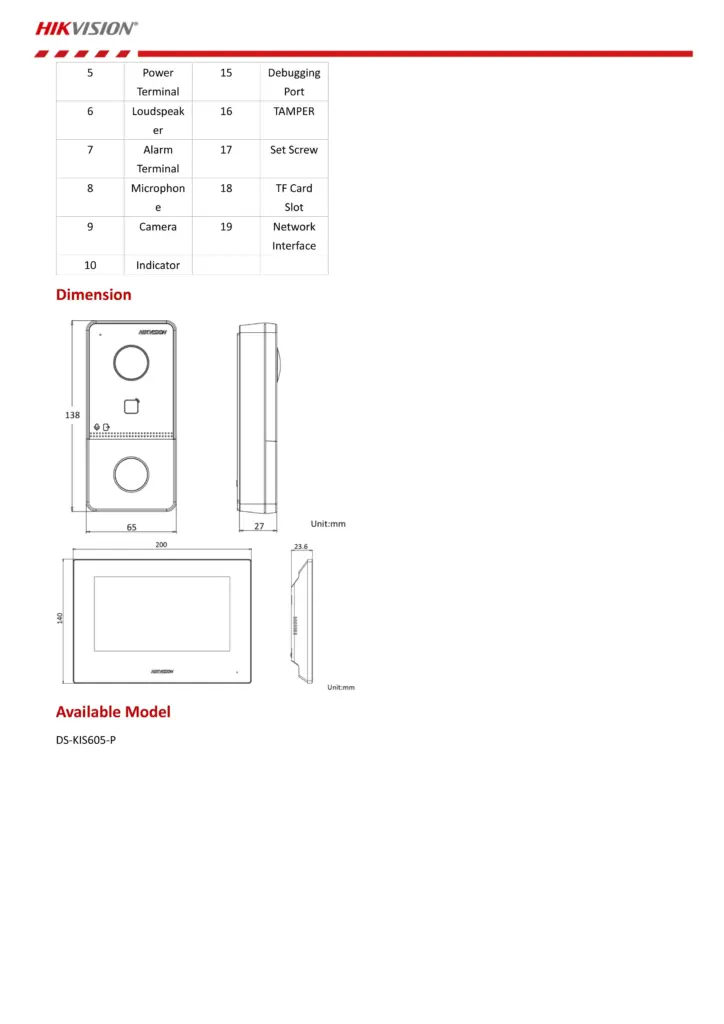
Mount the Hikvision IP video Intercom Door Station at a height of 1.5 meters. This height ensures the 2 MP camera captures a visitor’s face clearly without looking up their nose or missing shorter individuals. The outdoor unit features an IP65 weather-resistance rating, but installing it under a rain shield will extend its lifespan significantly.
Step-by-Step Hikvision IP Video Door phone Configuration
The magic of this system happens during the Hikvision IP video Door phone Configuration. Since these are network devices, you must activate them before they communicate. For further more details on the user manual: https://www.manua.ls/hikvision/ds-kis605-p/manual
Step 1: Activation via SADP Tool
Connect both units to your network and open the SADP (Search Active Device Protocol) tool on your PC. You will see both the door station and the indoor station listed as “Inactive.” Create a strong password for both to activate them.
Step 2: Assigning IP Addresses
You must ensure both devices sit on the same subnet as your router. For example, if your router is 192.168.1.1, set your indoor station to 192.168.1.100 and the door station to 192.168.1.101.
Step 3: Linking the Indoor Station to the Door Station
On entering the settings menu, navigate to “Device Management” or “Linked Network Configuration.” Then, enter the IP address of the door station. Once they link, a successful status icon will appear, and you will see the live camera feed on your monitor.
Key Features of the Villa Door Station
The Hikvision IP video Intercom Door Station provides several high-end features that standard intercoms lack:
- True WDR: It balances lighting automatically. If your front porch is dark but the street behind is bright, the visitor’s face remains visible.
- Mifare Card Reader: You can issue RFID cards or key fobs to family members. They can simply tap the door station to unlock the gate, eliminating the need for physical keys.
- Noise Suppression: Hikvision uses advanced algorithms to filter out wind and traffic noise, ensuring you hear the visitor’s voice clearly.
Remote Access via Hik-Connect
The most significant advantage of this kit is its mobile connectivity. During your Hikvision IP video Door phone Configuration, you should enable “Hik-Connect” in the network settings.
Once enabled, you scan a QR code on the monitor using your smartphone. Now, whenever someone rings the bell, your phone rings like a video call. You can talk to the visitor and even press a button on your phone screen to unlock the door for a delivery person or a family member who forgot their keys.
Advanced Integration: Expanding the System
The DS-KIS605-P is highly scalable. Unlike analog kits that limit you to a few monitors, this IP system allows you to:
- Link CCTV Cameras: You can add up to 16 Hikvision IP cameras to the indoor station. This lets you check your backyard or driveway cameras directly from the intercom screen.
- Alarm Sensors: The indoor station features 8 alarm inputs. You can connect door sensors or smoke detectors, and the monitor will sound an alert if they trigger.
- Multiple Entrances: If your property has two gates, you can simply add another Hikvision IP video Intercom Door Station to the network.
Maintenance and Troubleshooting
Maintenance is relatively light. Keep the camera lens clean using a microfiber cloth to prevent the IR (Infrared) lights from reflecting off dust at night.
If you encounter issues during the Hikvision IP video intercom setup, such as “Device is Busy” or a black screen, check your IP addresses. Most problems stem from IP conflicts where two devices on the network are trying to use the same address. Always ensure you have updated to the latest firmware via the Hikvision website to maintain the highest level of security and compatibility with the Hik-Connect app.
Conclusion
The Hikvision IP Video Intercom Kit (Model DS-KIS605-P) represents a significant upgrade for any modern home. While the Hikvision IP Video Intercom Kit price is a step up from analog, the benefits like a 1080p video, smartphone control, and RFID access provide a far more comprehensive security solution.
By taking the time to perform a proper Hikvision IP video intercom setup and following the correct Hikvision IP video Door phone Configuration, you gain more than just a doorbell; you gain a smart gatekeeper for your home. Check out a similar product from Nepal Best Deals: https://nepalbestdeals.com/product/ds-k1t320mfwx/